1
Choose a photo
Start with your pet, a portrait, a character, or any image you want to turn into a project.
Turn a pet, portrait, or favorite character into a clear bead pattern—ready with a grid, color codes, and the exact number of beads you need.
✦Your photo stays on your device.
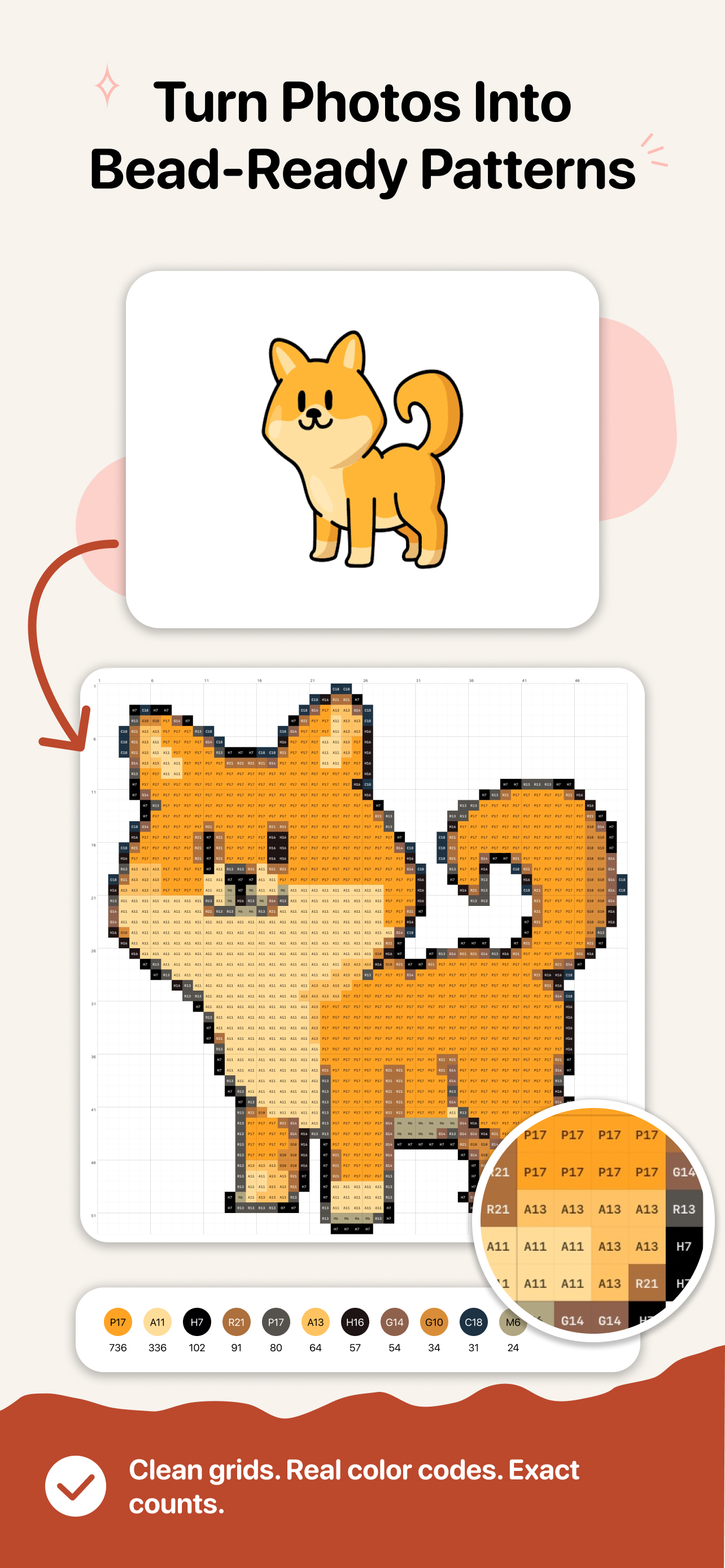
Every color counted
●Clear grid · color codes · totals
From camera roll to pegboard
BeadChick is designed to remove the guesswork before you begin making—not add more settings to learn.
Start with your pet, a portrait, a character, or any image you want to turn into a project.
Pick your size and palette. BeadChick creates a cleaner pixel pattern built for actual beads.
Zoom into the grid, refine a cell if needed, then export the pattern and prepare your beads.
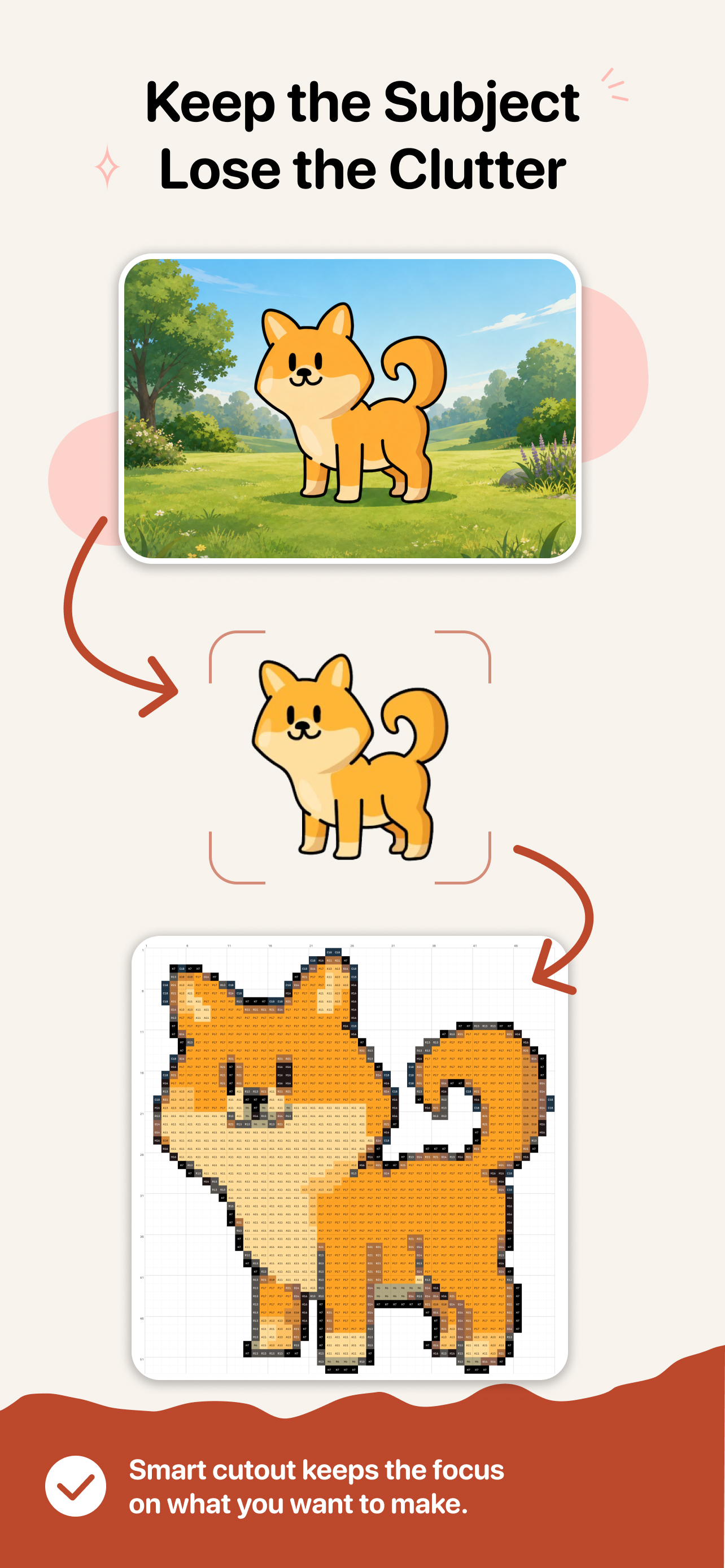
A busy background can turn into lots of tiny colors and a pattern that is hard to finish. BeadChick can isolate the main subject, so your project stays focused and more fun to make.
Made for making
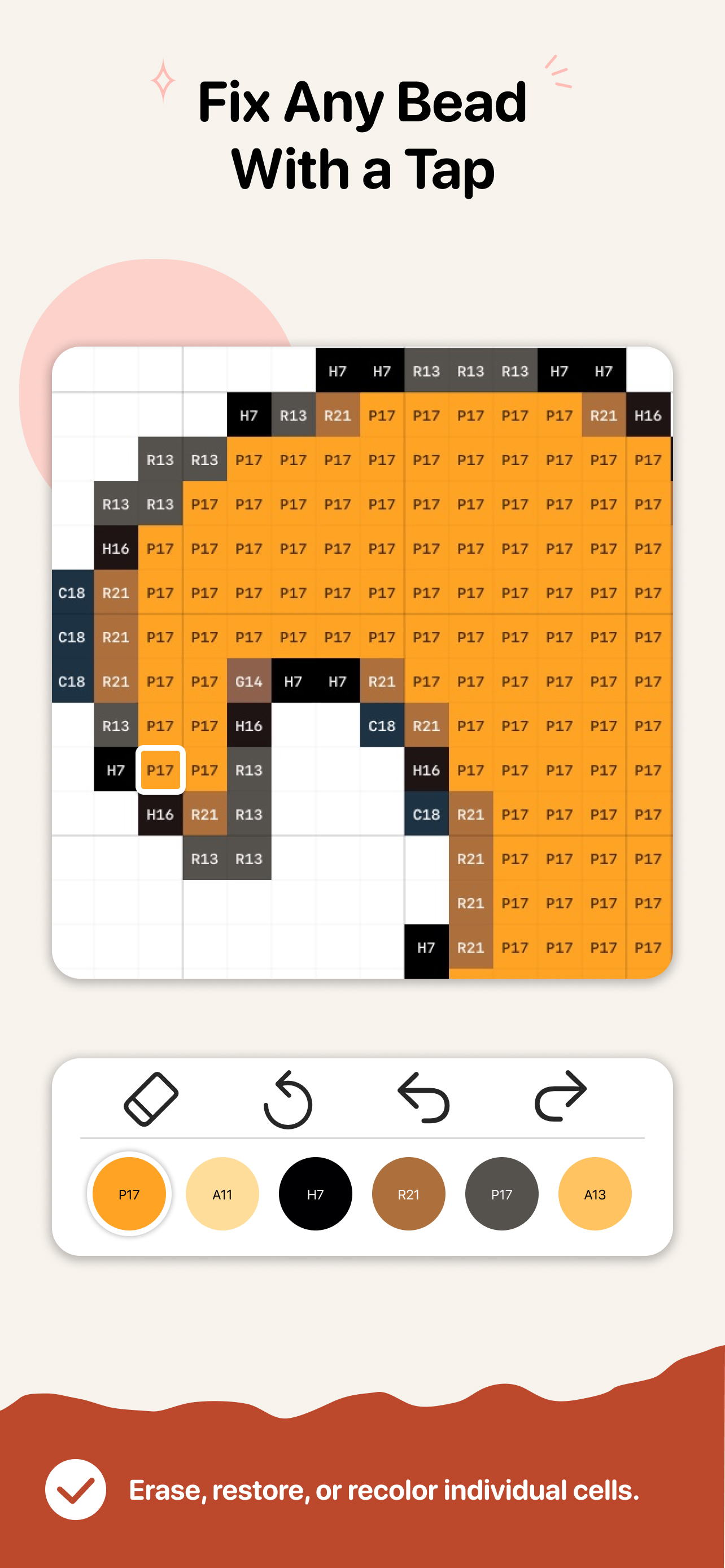
See the exact color code right inside each cell. Tap to correct a square, swap a color, or undo an edit—without rebuilding the entire design.
Erase, restore, or recolor one cell at a time.
Know the precise bead count for each color.
Photos and patterns are processed on your device. No account is required, and your images are not uploaded to our servers.
Private by design
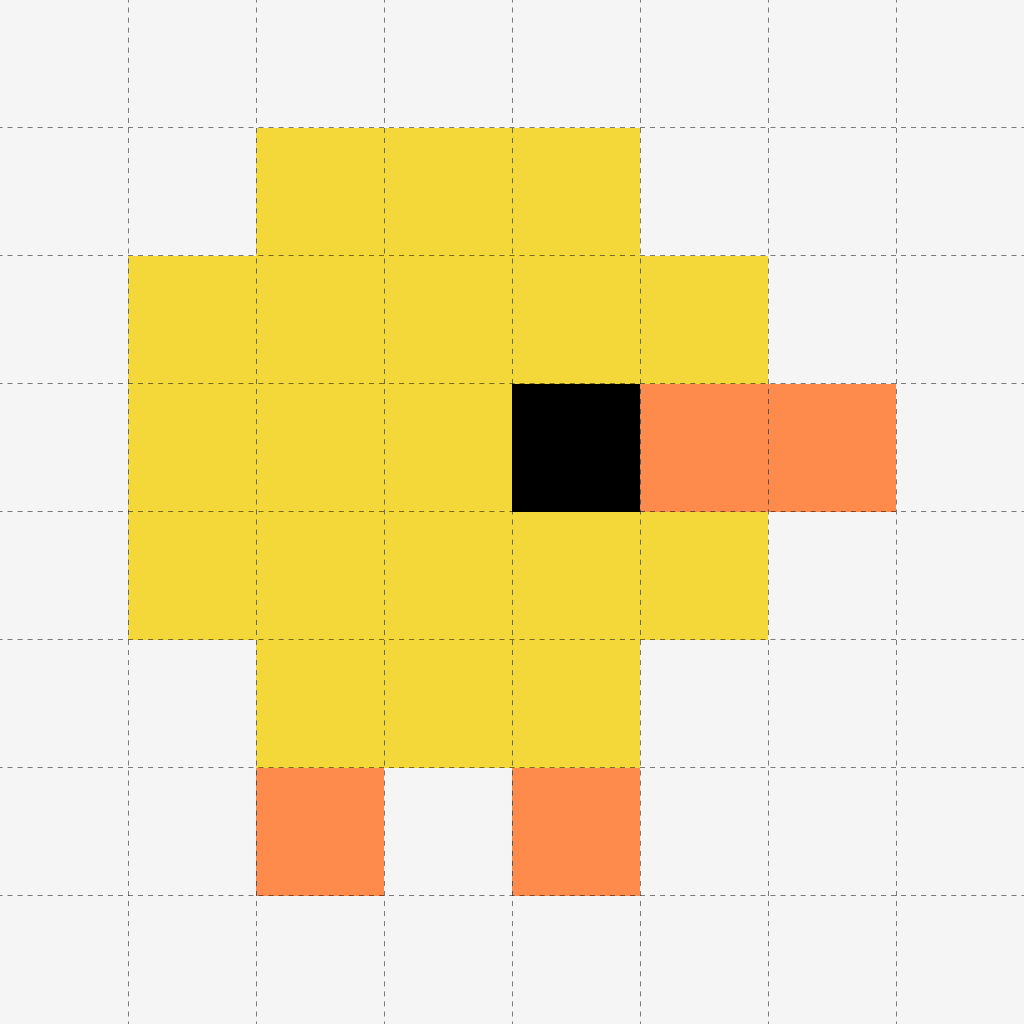
A clearer path from the pictures you love to the projects you can hold.
Get BeadChick